Accessbox
Security, beautifully designed.
The password manager built for iPhone, iPad, and Mac. Passwords, passkeys, two‑factor codes, breach protection, and family sharing — all encrypted on your device, all native to Apple.
At a glance.
Breach alerts & guided fix
Get warned when a stored password has been exposed — then walk through replacing it safely.
Memorable passwords
Strong passwords that are easier to read, type, and recall — with hints for regeneration.
Family Sharing ceremony
Share chosen cards with trusted people, set up in person over an encrypted local connection.
Every credential type
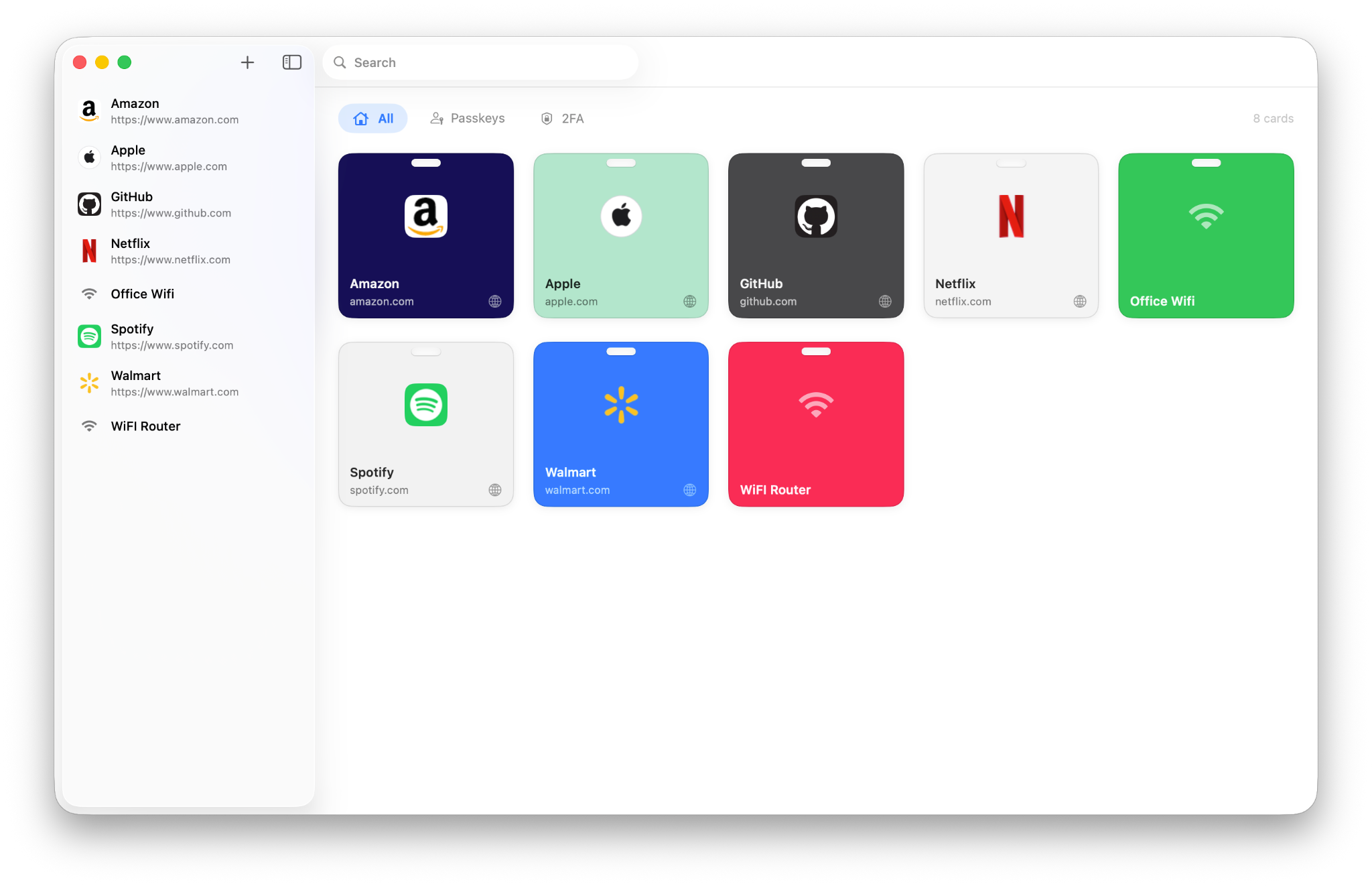
Websites, email, Wi‑Fi, passkeys, two‑factor codes, and more — organized in one vault.
Encrypted backups
Export your vault as an encrypted file. Restore anytime, with merge support.
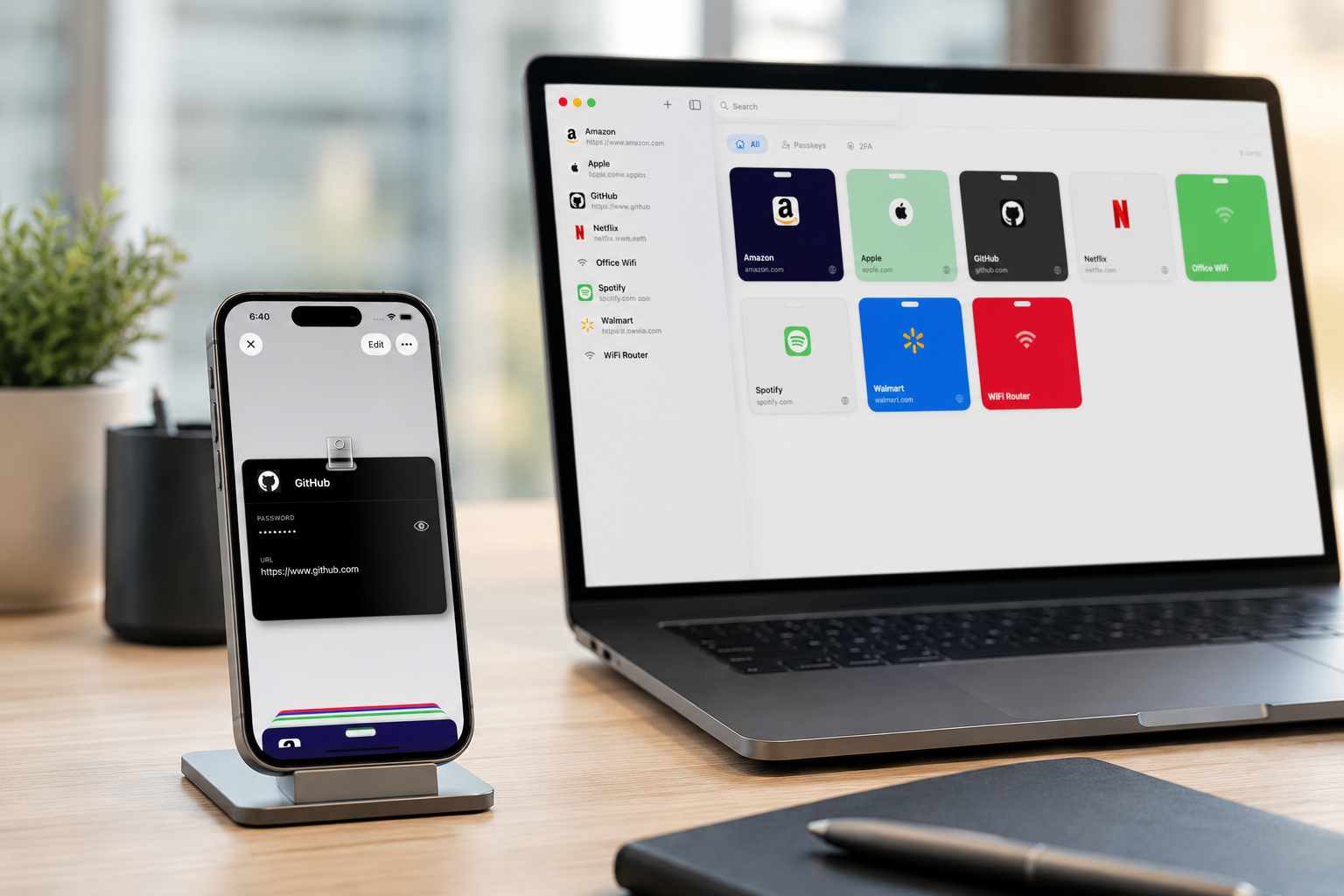
Native iPhone, iPad & Mac
Real apps designed separately for each device. Your vault stays in sync across all of them.
Made for iPhone, iPad, and Mac.
Accessbox is designed separately for iPhone, iPad, and Mac, so it feels natural on each — but your vault works as one. Create a password, passkey, or verification code on your iPhone, and it's ready to AutoFill on your iPad and Mac. Save something on your Mac, and it's there when you need it on your phone.
iCloud keeps everything in sync, encrypted end-to-end.
We warn you.
Then we help you fix it.
Most security tools tell you when something is wrong and leave the rest to you. Accessbox warns you and walks you through the fix.
The check is privacy-preserving: your password never leaves your device. Only a short, one-way fragment is ever compared against the breach database. How it works →
Breach warnings
A clear badge appears on any card whose password has turned up in a known data breach — in your list, in search, and while editing. You won't miss it.
Password Update Assistant
Changing a password sounds simple. In practice it's easy to generate a new one, go update the site, and then realize you can't remember which password you just saved — or whether the old one is gone.
The Password Update Assistant keeps both passwords in view at the same time: your current password to authenticate with the site, and your new password ready to autofill into the “new password” field. Neither is overwritten until you confirm the change actually worked. Then, and only then, you tap Save.
Your old password stays safe while you make the switch. That's the whole point.
Passwords worth remembering.
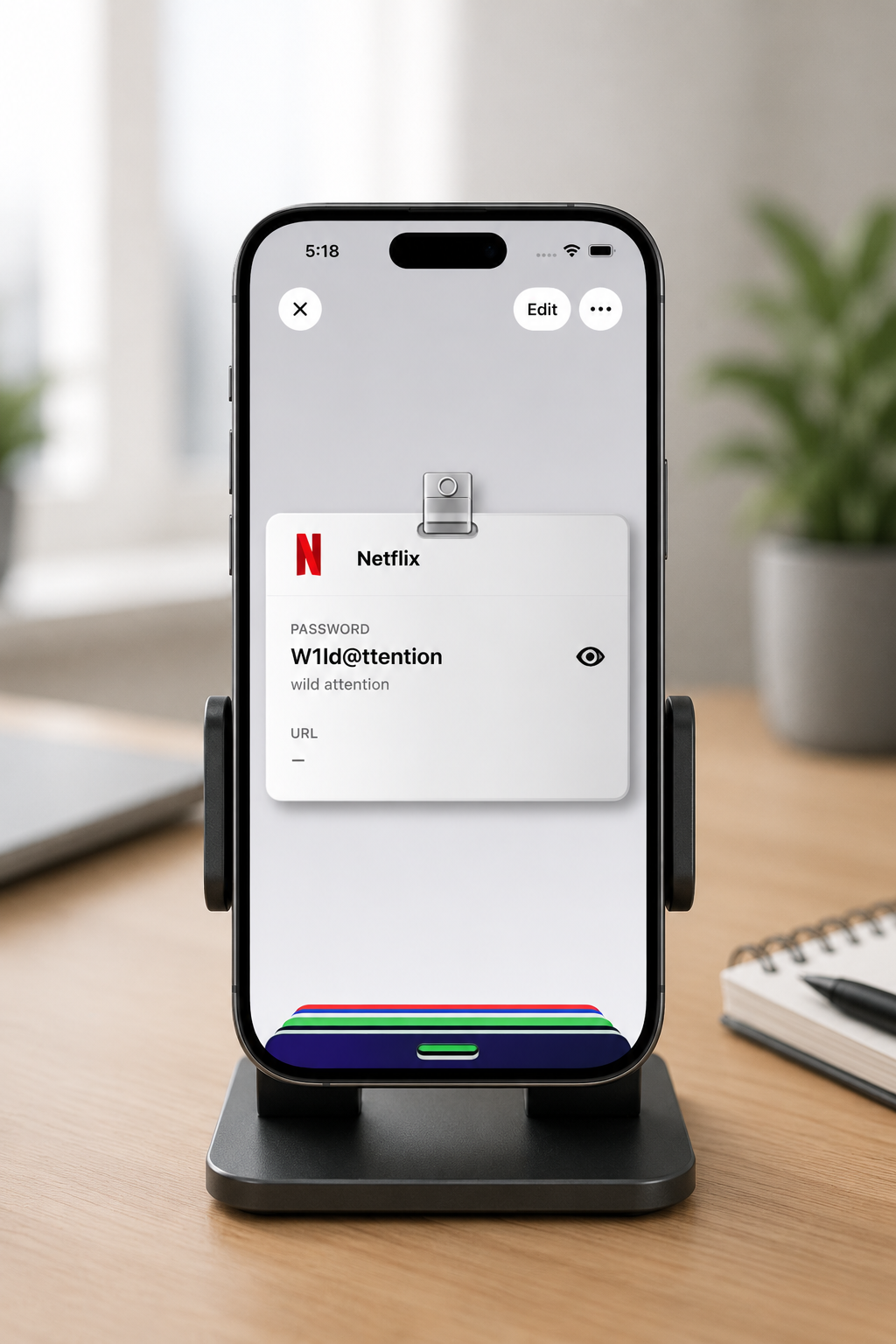
Accessbox can create strong passwords that are easier to read, type, and remember — especially when AutoFill isn't available.
On devices with Apple Intelligence, Accessbox goes further: it uses Apple's on-device AI to shape your hint into natural, memorable language — turning a genuinely strong password into one you can actually recall. The model runs entirely on your device. Nothing is sent to a server.
- Choose between memorable, stronger, or fully random passwords
- A hint is stored with every password, so you can always regenerate it
- Generate passwords in several languages
- Adjust the settings and Accessbox creates a new one that fits
Share with the people
you trust.
Family Sharing lets you share a chosen set of cards — the Wi‑Fi password, the streaming logins, the household accounts — with the people closest to you, without ever handing over your whole vault.
And it begins with one deliberate step: setup happens in person. Your devices have to be together in the same room, where they exchange a secret key over an encrypted local connection — never the internet — and you approve each person by hand. You can only share with people you can actually meet face to face.
That's the security: real-world trust, not a link or code anyone could intercept. It takes a few taps, and there's no account or invite to leak.
You pick what's shared
Mark just the cards you want others to see. Everything else in your vault stays private.
End-to-end encrypted
Cards are encrypted on your device before they sync. The server is only a delivery pipe — it never sees your credentials.
Set up face to face
A one-time, in-person handshake on iPhone — devices connect nearby and you approve each member. After that, shared cards sync to everyone’s devices automatically.
Your data stays yours.
Everything is encrypted on your device before it goes anywhere. We never see your passwords, and we couldn't read them even if we tried.
On-device encryption
Your passwords and sensitive data are encrypted right on your device, before syncing anywhere. iCloud only ever sees ciphertext.
Biometric unlock
Unlock with Face ID, Touch ID, or your device passcode. No separate master password to remember.
Auto-lock
Your vault locks the moment you leave the app. A blur overlay protects content in the app switcher.
Screen-recording safe
On iPhone, revealed passwords are hidden automatically while your screen is being recorded or mirrored.
Two-factor codes, built right in.
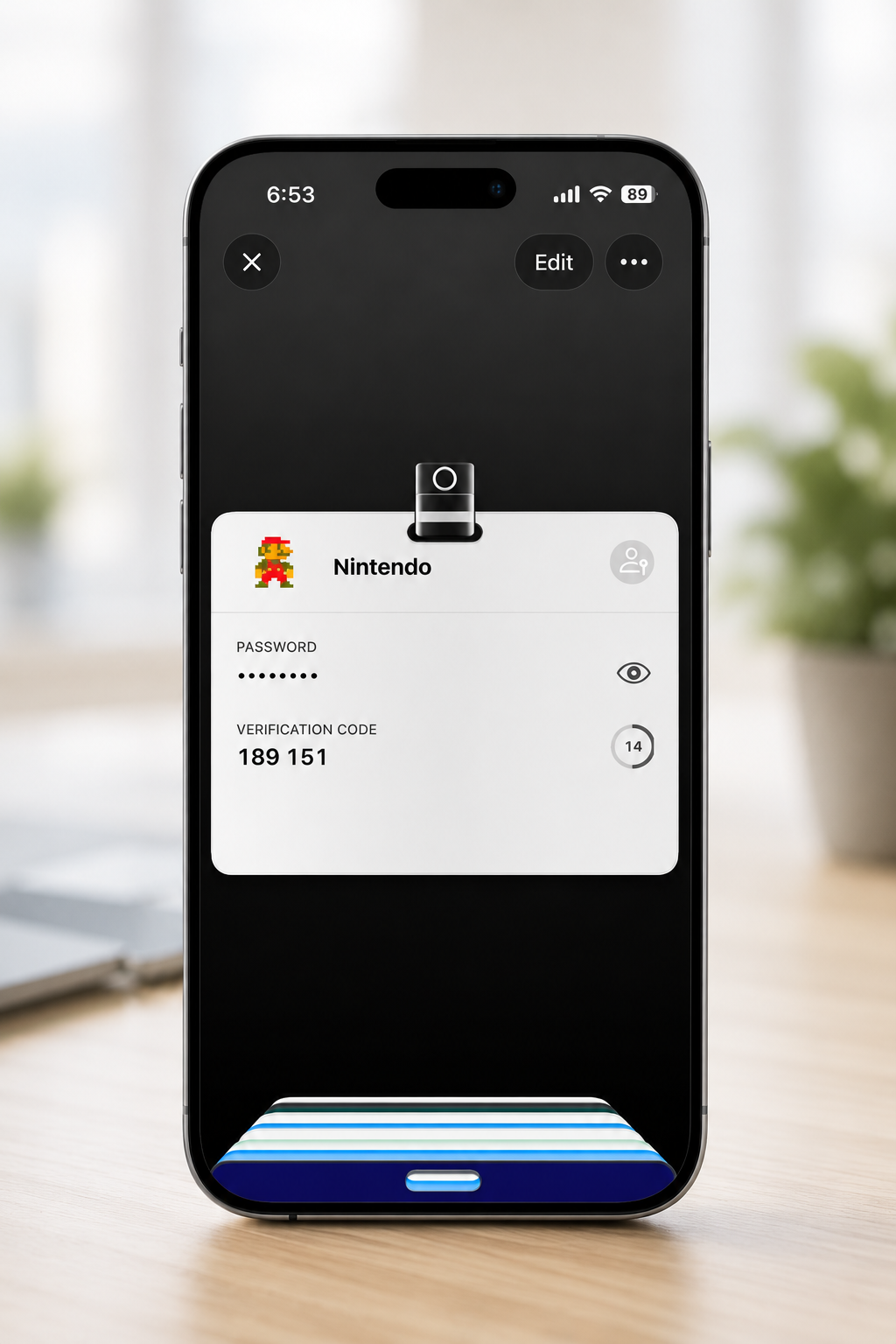
No need for a separate authenticator app. Accessbox stores your two-factor setup and shows live codes with a countdown timer.
- Scan a QR code on iPhone, or enter the secret manually on any device
- Codes autofill when the system asks for a verification code
- Included in encrypted backups and card sharing, so your codes travel with the account
Ready for a
passwordless future.
Passkeys let you sign in with Face ID or Touch ID instead of typing a password. Accessbox stores them alongside your other credentials and fills them when you need them.
For accounts that no longer use passwords, you can save a card with just the passkey.
A card for every kind of account.
Save different kinds of accounts with fields that actually fit — websites, email, Wi‑Fi, servers, databases, software licenses, and more. No more stuffing everything into a generic “login” entry.
Custom colors
Pick from a curated palette, use auto-color from the icon, or choose any color you like.
Smart icons
Icons fetched automatically for your accounts. Or pick from SF Symbols, photos, or files.
Tags
Organize cards with tags and find them instantly.
Full-text search
Search across titles, usernames, URLs, and tags — results appear as you type.
Built for each device.
Compromises on none.
iPhone
Your cards stack and fan out like Apple Wallet. Tap to expand, drag to resize. Search your whole vault from one full-screen view, share a card to a nearby device without using the internet, or export any card as an encrypted, password-protected file.
Mac
Not a stretched-out iPhone app. Accessbox gives your synced vault a proper home on Mac — familiar layout, keyboard shortcuts, and AutoFill for passwords, passkeys, and verification codes. Add something on iPhone, open it on Mac.
Your vault,
always safe.
Export your entire vault as an encrypted file anytime — with no backup password to invent. Accessbox generates a Recovery Key for you, so restoring on your other Apple devices just works.
Recovery Key, generated for you
A strong key is created for you and kept in your iCloud Keychain — nothing to invent or forget.
Restore with merge
Restoring is automatic on your other Apple devices. Preview first, and Accessbox avoids duplicates.
Auto-backup
Optionally backs up when the app goes to background, to a location you pick.
The entire app is localized in English, Spanish, and Portuguese — every screen, every label, every message.
Your data is never
held hostage.
Accessbox Pro is a subscription that unlocks unlimited cards and more. But your data is never held hostage. If you ever stop subscribing, you keep full access to everything you've saved.
View and edit every card you already have — change a password, update a code, fix a detail. You simply won't be able to add new cards until you subscribe again. Your vault is always truly yours.
Try Accessbox today.
Available on the App Store for iPhone, iPad, and Mac.